
What Paymium does
Control at the glass.
Paymium controls what appears on participating displays — one at a time, across a venue, and across many venues — and connects promotions to what is already on screen. It works at the display, not in the broadcaster’s feed.
01
Independent display control
Each connected display can be addressed on its own. A campaign can select one screen, a group of screens, every screen in a venue, or the entire participating network.
Screens that are not selected keep showing their own programming.
02
Venue-wide promotional takeover
Paymium watches the programming on every participating display at the glass, using automatic content recognition (ACR). Different broadcasters break for commercials at different times, so each screen moves on its own cue: when its program goes to a break, that screen joins the venue-wide promotion, while screens still showing live play stay on the game.
Paymium keeps monitoring each content stream throughout. The moment live play returns on a channel, that display goes back to its original programming. The screens do not need to be tuned to the same channel, and the same coordination extends across locations and venue chains.
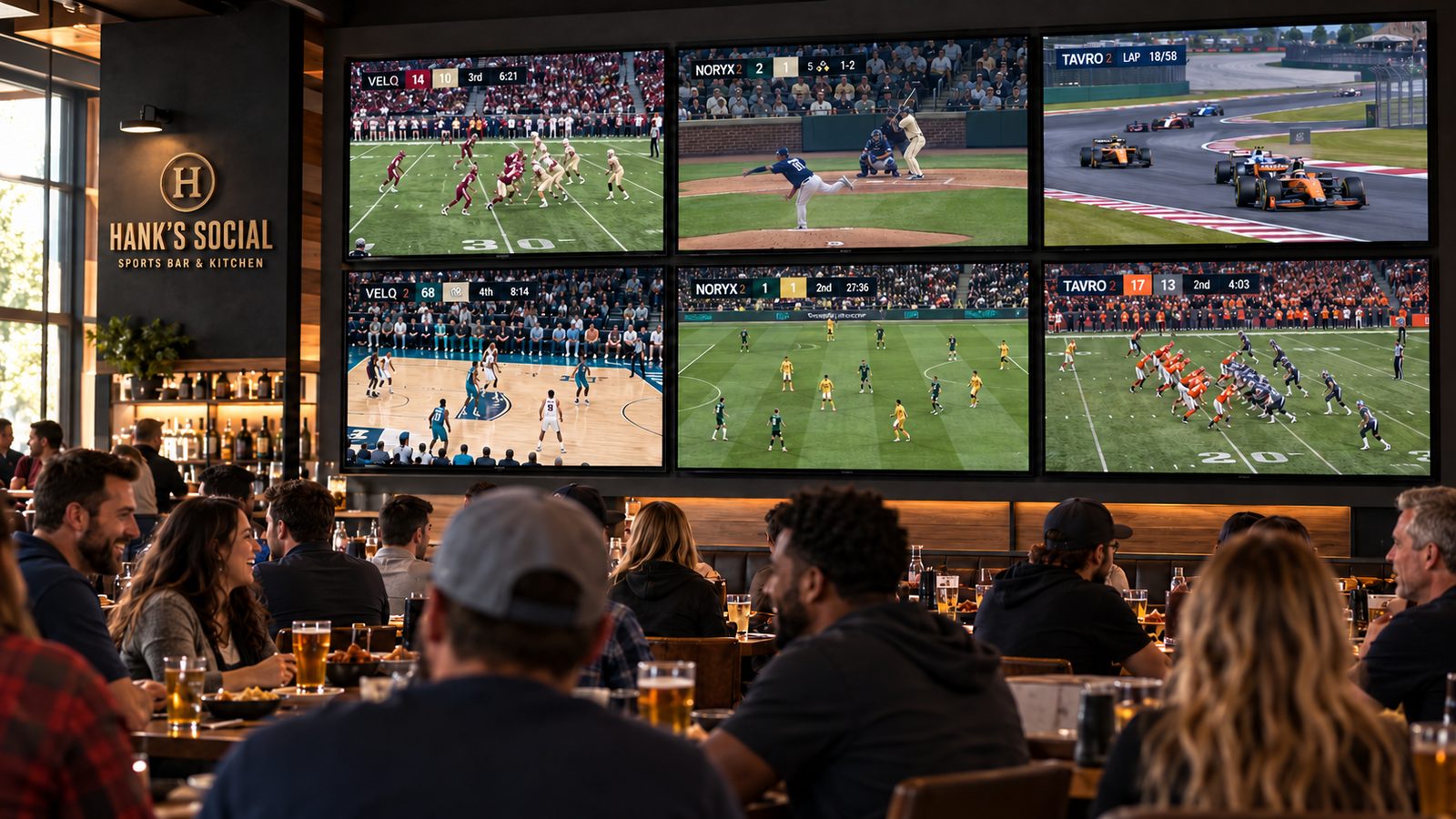
Before. Six screens, six broadcasts.
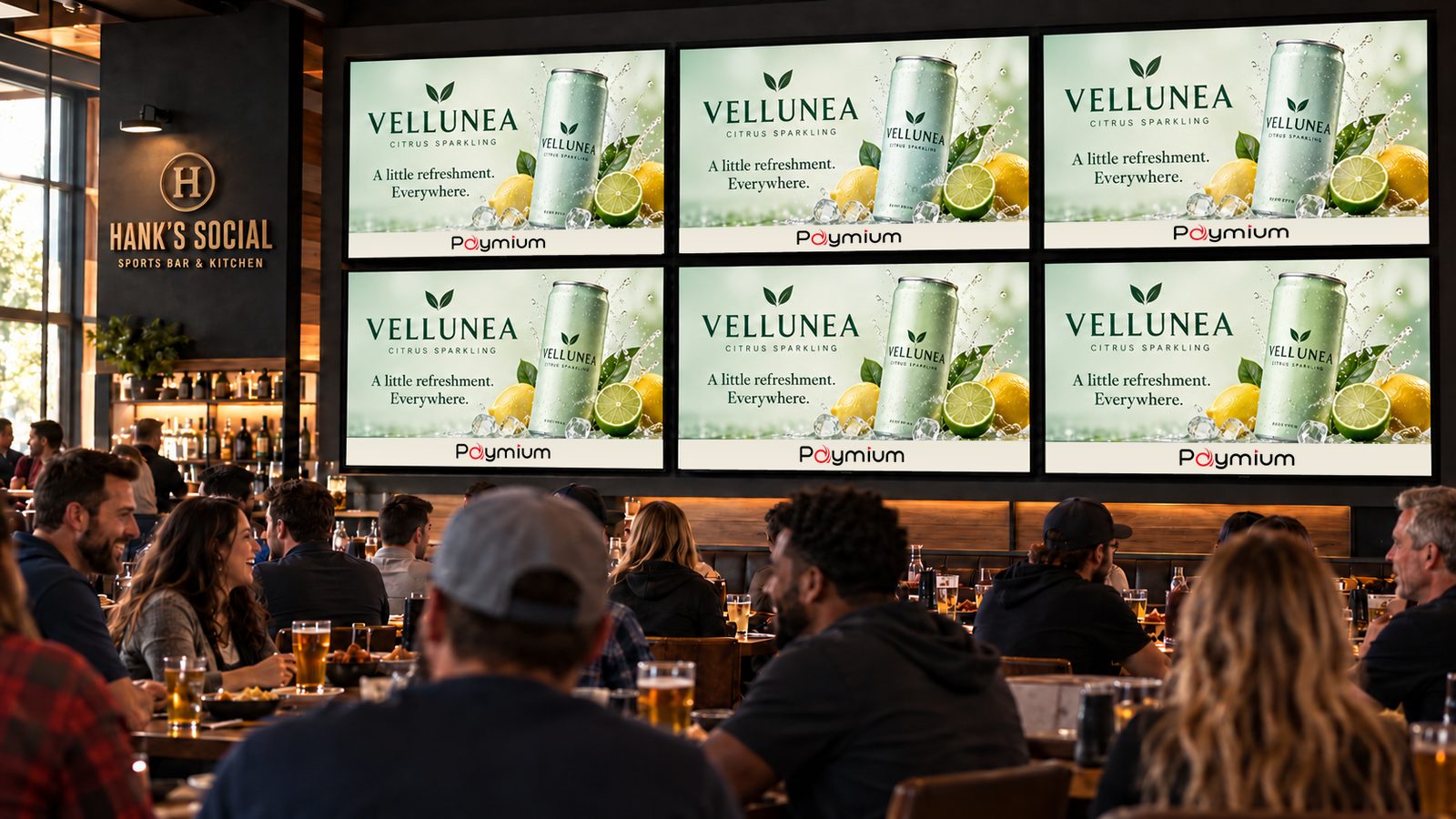
Takeover. Screens join the campaign as their breaks begin.
Illustration. Venue and brands are invented; not a real deployment.
03
Promotions with the broadcast ad already on screen
Paymium can recognize an advertisement that is already playing in the broadcast and coordinate a relevant promotion with it, without switching away from the commercial.
This is different from showing alternative advertising. Instead of replacing the advertiser’s spot, Paymium adds a connected promotional opportunity — on the venue’s screens or on the phones of customers who have chosen to take part — to the advertisement the audience is already watching.
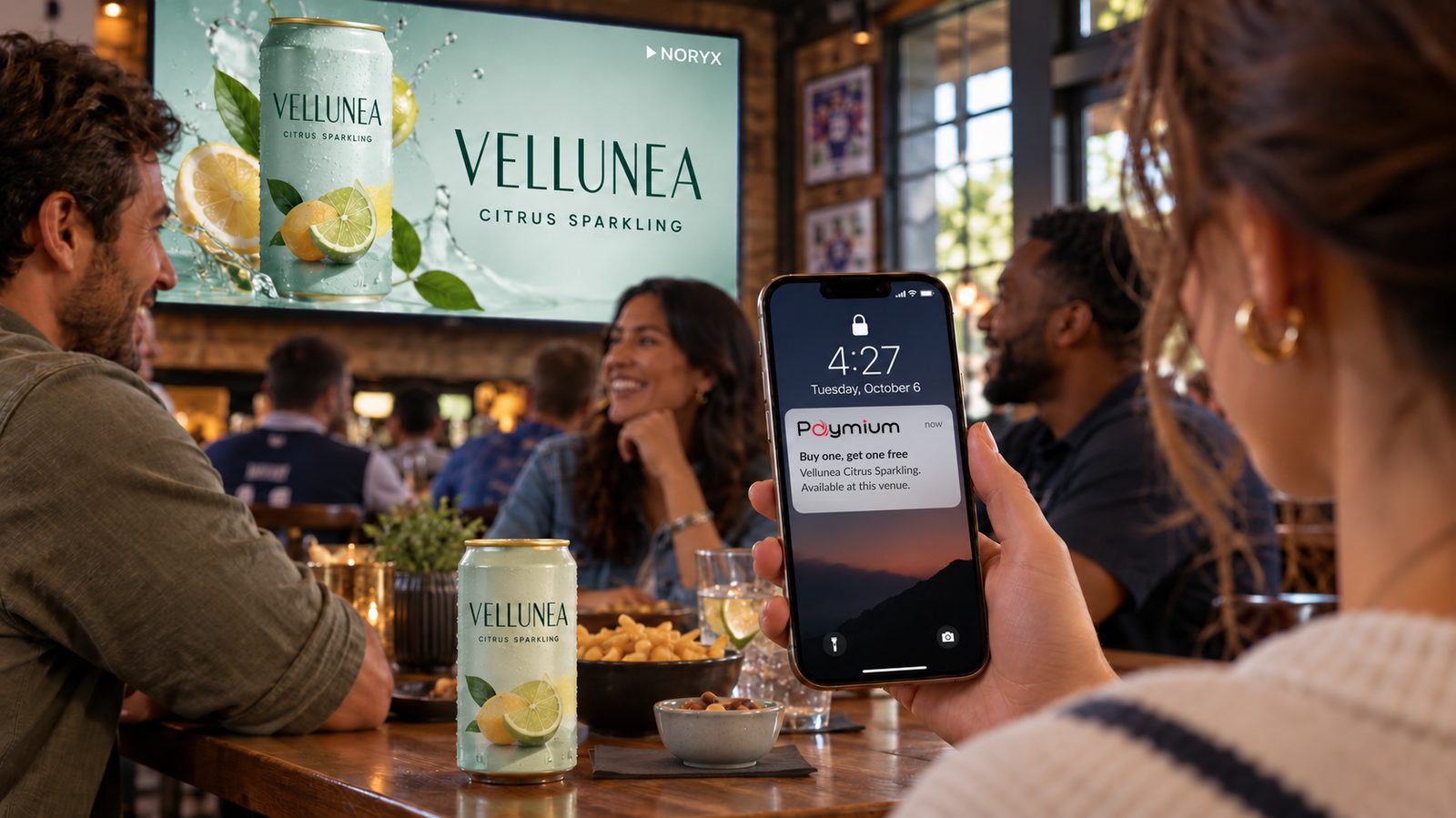
Illustration. Venue and brands are invented; not a real deployment.
04
Banners alongside continuing programming
The presentation architecture can resize the displayed picture to open letterbox or other dedicated border space for venue banners, brand banners and promotions — while the programming stays visible.
This is presentation at the display. The incoming broadcast feed is not altered, and nothing is placed over the program itself.
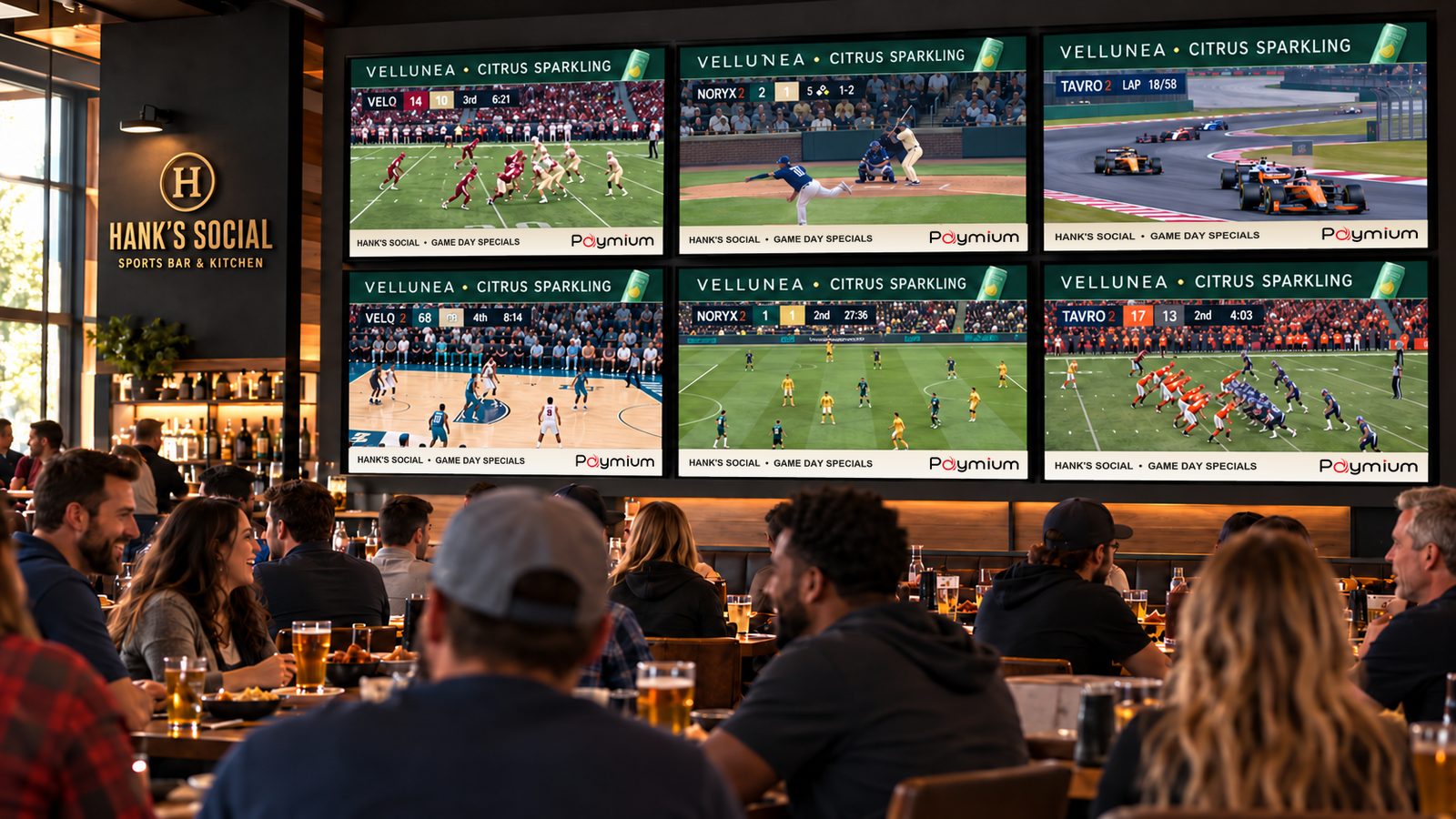
Illustration. Venue and brands are invented; not a real deployment.
05
Campaigns across venues, cities, regions and states
One campaign can run across selected venues, chains, cities, regions or states. Coordination can mean a single creative everywhere, or offers and messages that vary by place.
Network-wide coordination and individual screen control work together: a campaign can cover a whole region while a single display in one venue does something different.
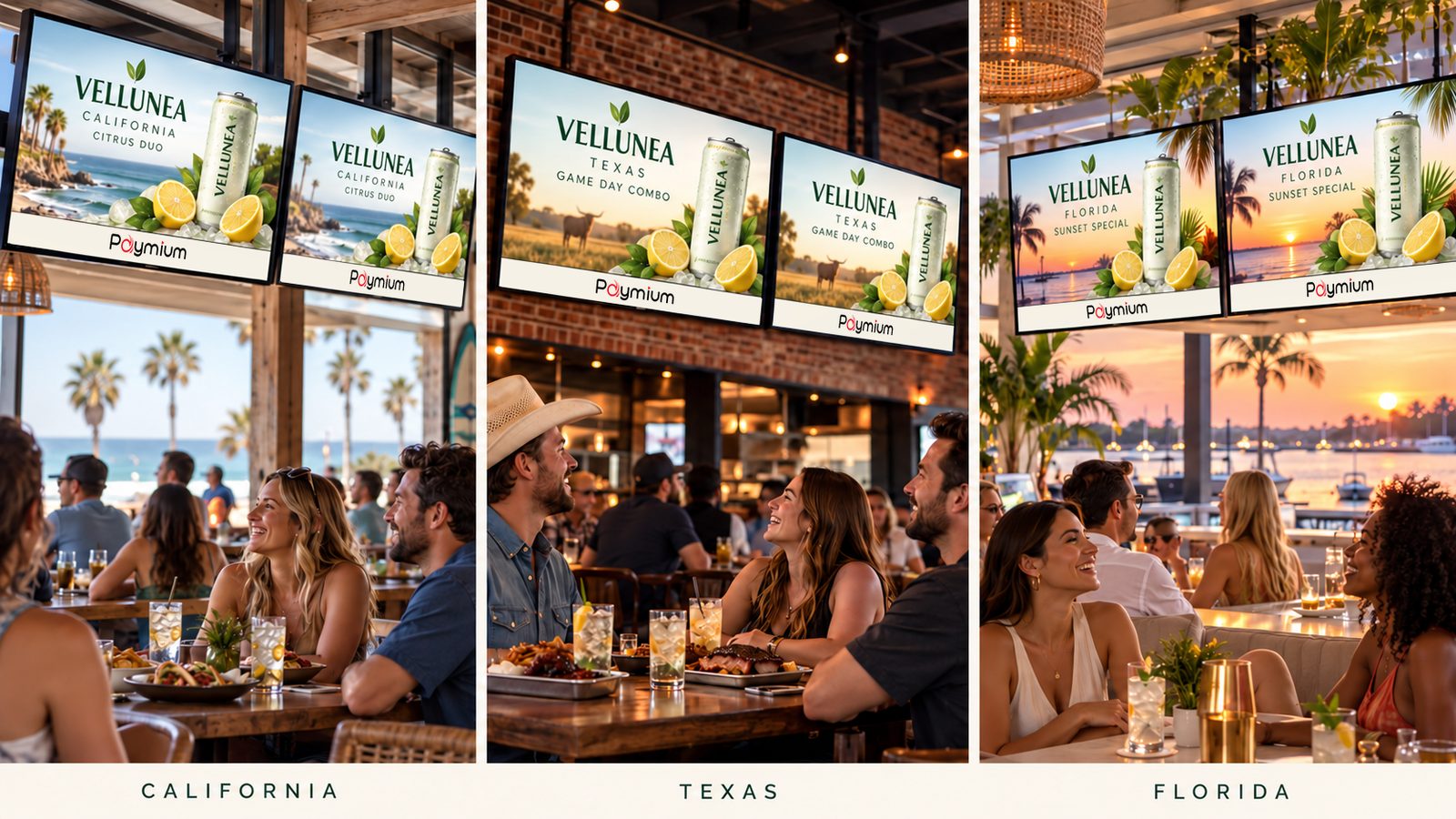
Illustration. Venue and brands are invented; not a real deployment.
06
Automation
Schedules and rules automate which displays are selected, what runs, the transitions in and out, and the return to programming.
A scheduled takeover runs on the selected displays together. An activation tied to a commercial break follows each display’s own break — and different broadcasters do not break at the same moment.
07
Supported display functions
Paymium can automate supported display functions — for example power, input selection, and volume or mute — through HDMI-CEC, and, where a display offers them, functions such as captions and aspect ratio.
A note on compatibility
Displays implement HDMI-CEC and their own control interfaces differently. Supported functions vary by make and model, and are confirmed for each installation.
08
Connected phone promotions
A promotion can continue onto a participating customer’s phone. The first time, a simple code at the venue invites customers to join; nobody is enrolled without choosing to.
After that, customers who joined receive a notification when a promotion is live where they are — and can stop at any time. The phone extends what happens on the screen; it does not replace it.